
 View larger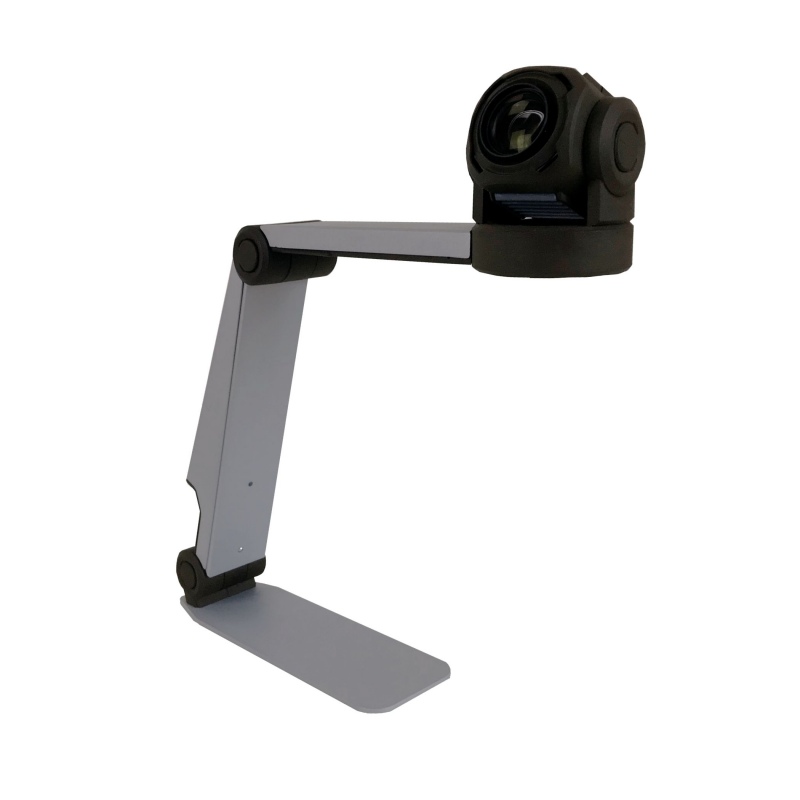
ZoomCam Speech Portable Camera
New
Professional portable and discrete camera solution with speech for use at work, school or home.
On order
More info
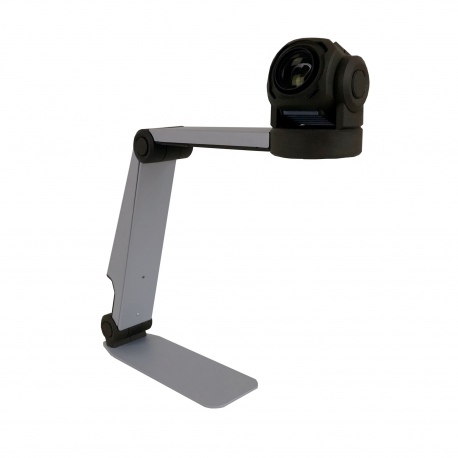
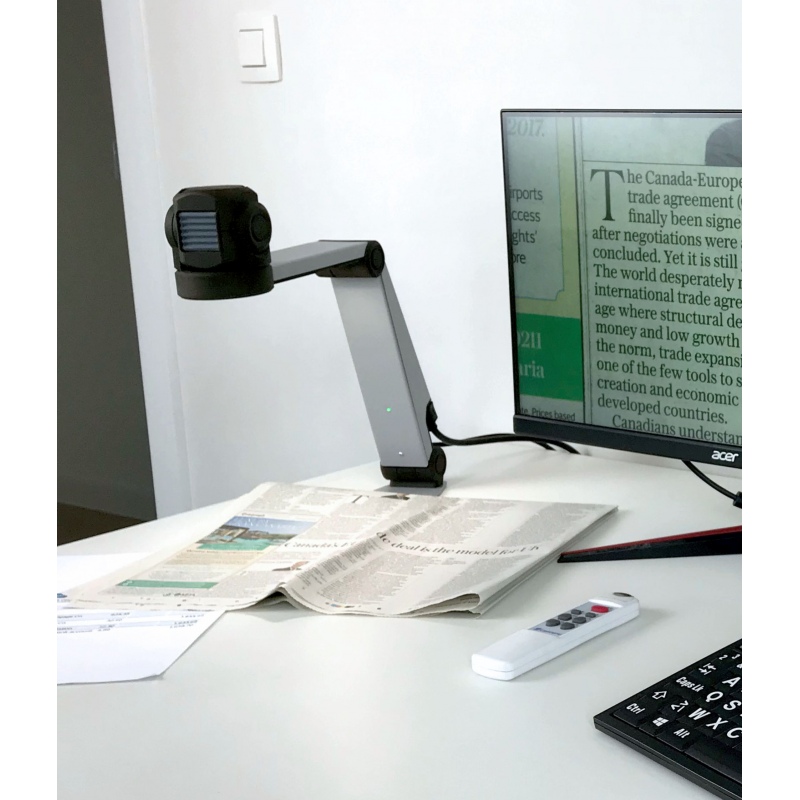
ZoomCam Speech is a professional transportable video magnifier with speech which can be used anywhere in combination with a computer, screen or tablet. Ideal for magnifying text and for listening at newspapers and books but also for looking at pictures and objects. ZoomCam is a discrete solution which looks like a desk lamp. It sets up quickly, is compact and easy to use. No additional software has to be installed for viewing the image or for reading aloud, just plug it in and start using ZoomCam Speech.
Immediately ready for use
The camera folds out in 2 easy clicks. Simply connect the cable and push a button for the image to appear. The 2-dimensional camera head and fixed conversion lens allow you to start reading immediately. ZoomCam is designed for you to adapt to each new working environment quickly and effortlessly.
Full HD
The Full HD camera produces a high contrast and an incredibly sharp image. The extremely stable and calm images make for an optimal viewing and reading experience even in dark settings where the built-in LEDs provide extra light. ZoomCam’s 23cm extra wide angle covers the full width of a page.
Speech
The ZoomCam Speech has a built-in readout function that reads out all printed texts on your television, monitor, computer or tablet screen. The combination of magnifier and readout device makes reading pleasant. It increases your reading speed for large and complex texts and you will enjoy reading longer because your eyes don’t get tired. Just select the text on the screen. Reading out starts immediately. A red rectangle around the word follows the text. In this way you know where you are and you maintain the overview on the page. 32 languages and a choice of male or female voices make listening really pleasant.
Intelligent readout function
Thanks to the intelligent readout function, ZoomCam Speech reads entire pages without irritating pauses by moving the text under the camera. The devices recognizes the new text and will incorporate it and continues reading.
With ZoomCam Speech you don’t lose your overview. You no longer have to switch between magnification and readout mode. The unit always shows the real-time video picture. This means the device is very quick and the layout of titles, columns and photographs is always preserved.
Reading and distance camera
ZoomCam is equipped with a reading and distance camera. Switching between reading and distance viewing is straightforward as the camera moves in 2 dimensions. The movement sensor memorises specific setting preferences for reading and distance viewing.
The reading position is used to magnify books and documents, whereas ZoomCam’s distance mode is used to look at a blackboard, a presentation or mirror.
Compact, portable and discrete
ZoomCam Speech looks like a desk lamp and blends well into an office setting. Its compact design makes it easy to fold away and set up again. One can choose between a left or right sided compact set up or a set up with the camera at the front to cover a full A3 page. It is compact and lightweight, and easily fits in a backpack together with a computer or tablet.
User-friendly
ZoomCam Speech has a user-friendly wireless remote control and, in addition to magnification, offers a range of other possibilities. Positive or negative high contrast colours, brightness, extensive background filtering, dimmable lighting and even a line reader are all easy to configure. ZoomCam always memorises the last settings, which allows for a quick start up.
Plug and Play
ZoomCam Speech can be used immediately as it is easy to set up and has no software. Simply connect and view. Use magnification software SuperNova or ZoomText on your computer or tablet and select full screen or split screen. In the absence of any magnification software, standard camera apps such as Windows Camera or Quick Camera on a Mac can be used. On a television screen or monitor, simply connect the supplied HDMI cable and you are up and running.